
Independent information and risk assistance
BJ77 Login issues before performing security checks
This site does not have a BJ77 login entry point and a verifiable login domain cannot be confirmed. This page only handles login failures, incorrect passwords, non-receipt of OTP, account locks, and suspicious logins; long-term security and steps after being compromised are in separate account security guidelines.
Verify identity before login
- Stop at the address
Check spelling, domain ending, and subdomain; not an advertisement title. - Check for redirects
Do not enter username or password when opening another domain. - Keep the device clean
Check for unknown extensions, apps, and accessibility permissions.
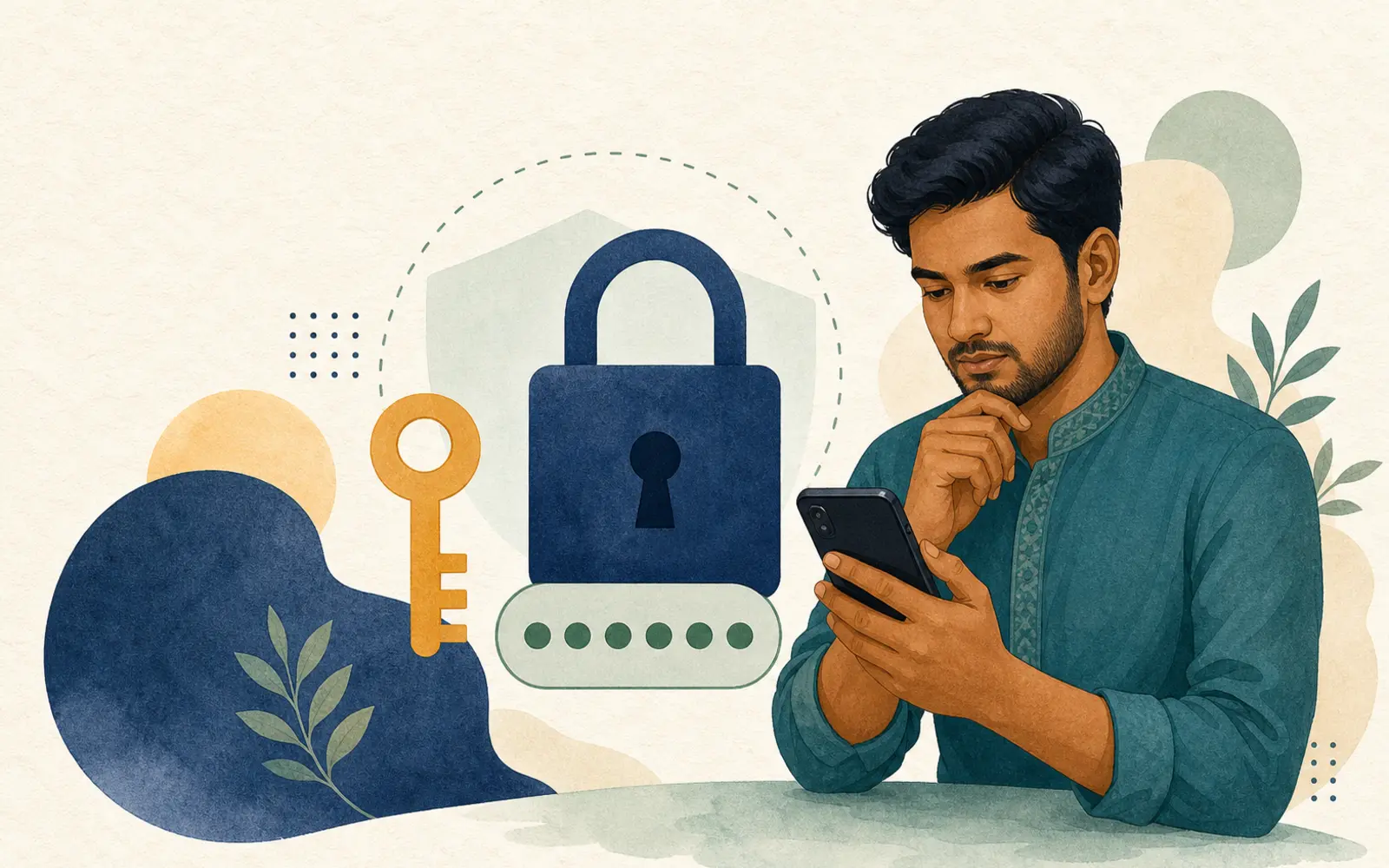
If the password is shown as incorrect
Do not continuously guess the password. A few known passwords should only be tried on verified pages; stop if there are repeated failures.
- Check the keyboard Bangla/English layout, Caps Lock, and extra spaces.
- Check if the domain for which the password manager has stored information matches the current address.
- If an old password suddenly becomes ineffective, check the login history of the associated email.
- Do not send passwords in any chat account and do not screen share.
If a secure recovery option is visible on the current account, verify the domain, organization identity, and where the information is going before use. This site does not guarantee recovery success.
If OTP is not received
- Wait a few minutes; do not request repeatedly in quick succession.
- Check mobile signal, airplane mode, SMS block list, inbox storage, and if the SIM is active.
- If the email is OTP, check spam, filters, and forwarding rules.
- If an unfamiliar login notification occurs at the same time, secure the email and SIM first.
Account lock or suspicious access
If locked, logging in from an unfamiliar location, changing phone numbers, or receiving a password reset notice, first secure the associated email from a clean device. Then cancel unknown sessions where options truly exist and check recovery information.
Keep as evidence
- Date and time of the incident
- Main screenshot of the notification
- Displayed location or device name
- Notice of phone/email changes
- Written communication with support—excluding credentials
If there is no verifiable support channel, do not send NID or selfie in chat. Securing email, SIM, MFS, and bank is more urgent first.
How to recognize fake support
Individuals asking for PIN, OTP, full password, remote-control apps, screen sharing, or “unlock fees” are high risk. Telegram/WhatsApp display names, logos, or profile photos do not prove identity.
- Stop communication
Do not give any code, file, or money. - Keep evidence
Save username, number, time, message, and payment request. - Protect the relevant account
Change email password, cancel sessions, and inform the payment provider.
Questions and answers
What to do if the password is repeatedly shown as incorrect?
Stop trying and check the keyboard and password manager record; then secure the associated email.
If the OTP doesn't arrive, how many times should I request it?
Not quickly multiple times. Wait and check the signal, block list, and SIM. If an unknown OTP arrives, strengthen the account.
What should I do if the support staff asks for the OTP?
Reject, take a screenshot and block communication. If there is a financial risk, inform the payment provider.
Will money need to be sent if the account is locked?
Do not send the unlock fee to a personal number. Keep proof of the claim. Transaction assistance See.
What should I do if the login page goes to another domain?
Go back without writing any credentials and verify the domain and organization do.